


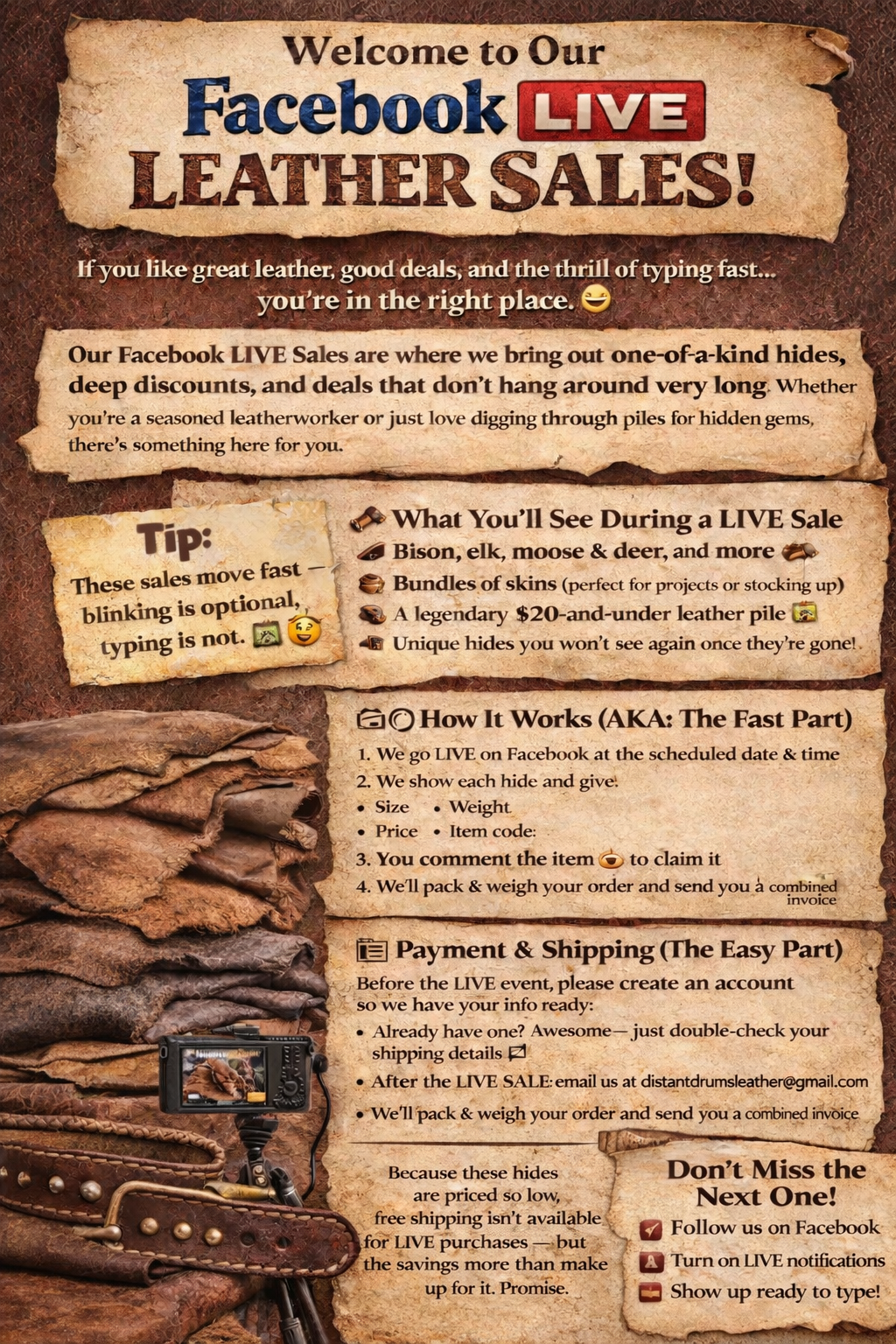
How to Watch Our Facebook LIVE Without Missing a Hide
Most viewers watch our Facebook LIVE sales on their phones, and occasionally Facebook may place viewers on a delayed stream or cause comments to lag.
The good news is that a few quick steps can greatly improve your viewing experience so you don’t miss any hides during the show.
Below are some simple tips that can help you get the best performance before and during our LIVE sales.
Before the LIVE Show Starts
Doing these quick steps a few minutes before the show can help prevent most viewing issues.
Restart the Facebook App
Closing and reopening the Facebook app gives you a fresh connection to the LIVE stream.
Close Other Apps
If many apps are open on your phone, it can slow down video streaming.
Before the show, close apps like YouTube, Instagram, TikTok, or other streaming apps.
Connect to Strong Wi-Fi
LIVE video works best on a stable Wi-Fi connection.
If possible:
• Sit near your router
• Avoid switching between Wi-Fi and cellular during the show
Turn Off Battery Saver
Battery saving modes sometimes reduce video performance.
Turning this off can help video play more smoothly.
Android Users: Turn Off Data Saver
Some Android phones limit video streaming when Data Saver is turned on.
Turning this off can improve streaming quality.
When the LIVE Show Starts
Tap the Red LIVE Button
If you see a red LIVE button on the video, tap it.
This makes sure you're watching the current stream instead of a delayed version.
Switch Comments to “Newest”
Facebook sometimes filters comments to Most Relevant, which can cause delays.
If comments seem slow:
Tap the comment filter and switch it to Newest so you see comments in real time.
This is especially helpful during auctions and item claims.
If You Experience Lag During the Show
Sometimes a stream may still lag even with a good connection. If that happens, try these quick fixes.
Exit the LIVE and Rejoin
Leaving the stream and coming back in reconnects your device to the broadcast.
This is the most common fix for lag.
Refresh the Comments
If the video is fine but comments seem delayed, leaving and rejoining the LIVE usually refreshes them.
Move Closer to Your Wi-Fi Router
A stronger Wi-Fi signal can reduce buffering and video delays.
Optional Advanced Settings
Some viewers like to optimize their phone settings for the best streaming experience. These steps are optional but can sometimes improve performance.
Please note that different phone models may label settings slightly differently, so the steps below are general guidelines.
Android Advanced Settings
Turn Off Facebook Data Saver
Open the Facebook app
Tap the menu (three lines)
Go to Settings & Privacy
Select Settings
Look for Media or Videos
Turn Data Saver OFF
Allow Background Data for Facebook
Open your phone Settings
Go to Apps
Select Facebook
Tap Mobile Data & Wi-Fi
Make sure background data is allowed
Disable Battery Optimization for Facebook
Open Settings
Go to Apps
Select Facebook
Tap Battery
Turn off battery optimization if available
iPhone Advanced Settings
Enable HD Video
Open the Facebook app
Tap the menu (three lines)
Go to Settings & Privacy
Tap Settings
Find Media
Turn on HD Video
Turn Off Low Power Mode
Open Settings
Tap Battery
Turn off Low Power Mode
Check Your Internet Speed (Optional)
If you want to test your connection ahead of time, you can run a quick speed test at:
www.speedtest.net
A connection around 10–25 Mbps or higher typically works well for streaming video.
This is something you may want to check well before the LIVE show so you have time to troubleshoot if needed.
Additional Tips
Watch in the Facebook App
Watching the stream in the Facebook app generally works better than watching in a browser.
Turn Off VPN Services
If you use a VPN, it can sometimes slow down LIVE streams. Turning it off while watching may help.
Want More Detailed Troubleshooting?
For a deeper guide on improving Facebook LIVE viewing performance, including additional device settings and troubleshooting tips, visit our detailed article:
We want everyone to have the best possible experience during our LIVE sales so you never miss a great hide.